
1
Define your starting point
Users define what they’re working on and how familiar they are. This sets the scope for what comes next.

Enhancing learnability in a tool built for thought.
People don’t just store notes in it, they build  Networks of ideasLinked notes can grow into a personal knowledge graph, making relationships between ideas easier to see and revisit.. Over time, these notes form a personal knowledge graph: a
 Second brainA trusted system outside your head for storing and organising ideas, so you can build on them without relying on memory alone., attracting users who want to create intricate knowledge systems.

The tool currently has no native, built-in AI features in its core workflow.
The Verge interviewAug, 2025View
respecting privacy, user control, and local-first values.
Obsidian is powerful & beloved by power users, but intimidating to new ones. Across the board users felt stuck at the starting line.

The pattern was clear, new users were:


Obsidian has their guiding principles set in stone. Any AI feature we would come up with had to respect their philosophy.

Given our limited timeframe, this ultimately helped us stay focused and make more deliberate decisions.
We started with listing down the obvious areas of intervention:
All of these go against Obsidian’s manifesto: intrusive onboarding limits user control, mandatory walkthroughs reduce flexibility, and cloud-synced progress compromises privacy.
I went back to the interface, as a fairly new user myself I started exploring and just clicking around which led to discovering the “Sandbox vault.”

It sits behind the “Get Help” button, easy to miss. When you access it, you get pages of documentation about how to use different features; backlinks, templates, graph view—all in text form.
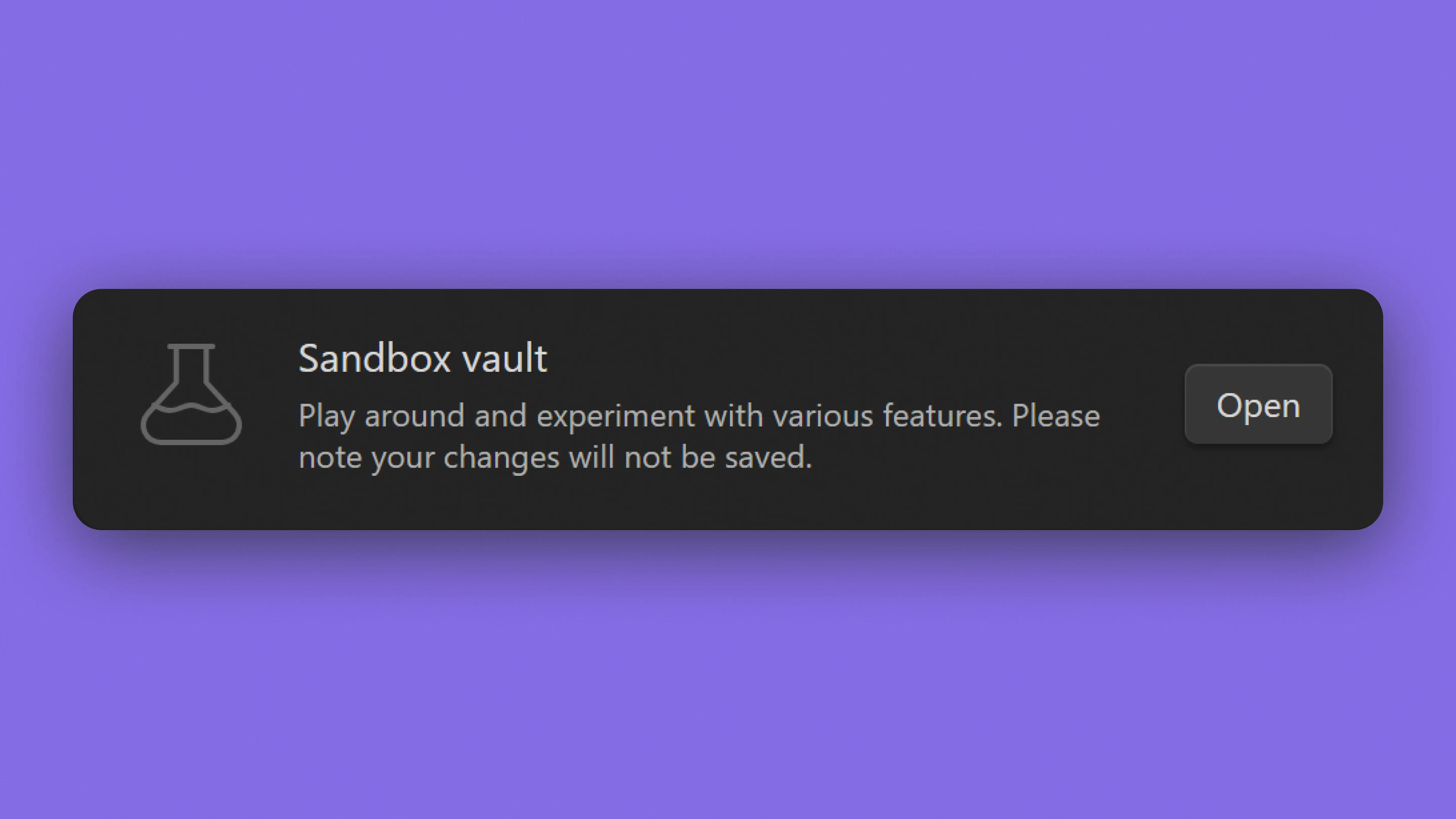
It’s called “a space to play around and experiment with various features”
A text repository with backlinks. No interaction or hands-on practice.
The gap between promise and reality was obvious. Obsidian calls it a playground, but users end up getting a manual.
The Sandbox already respects Obsidian’s core values:
This made us narrow our focus from broad onboarding redesign to this specific feature.
We split the Sandbox into two interconnected features that transform passive documentation into active learning:
Choose what you want to learn; Playground generates structured lessons inside Obsidian so you can understand features step by step.
An interactive practice space that creates contextual challenges on demand. Regenerate challenges, rate difficulty, and refine your skills through repetition.
The redesign keeps humans in control with AI curating and generating scenarios and users doing the actual learning and practice.
Here’s how we uncovered and validated the problem:

We mixed human judgment with intentional AI use. Some of our guiding principles were:
Before designing screens, we defined the GenAI logic:

Mapping input → analysis → output directly shaped the architecture, hierarchy, and interaction model of both experiences.


 BeforeAfter
Replaced experience-based branching with Playground as a structured path that moves users from exploration to practice.
Users define what they’re working on and how familiar they are. This sets the scope for what comes next.

Users choose features and output formats. AI generates focused learning modules based on those selections.

After completing a module in Playground, users can choose to enter Experiment. AI generates contextual challenges based on what they just learned.

Users can regenerate challenges at varying difficulty levels, reveal solutions, and rate difficulty.
We tested with two new Obsidian users to validate whether our redesign improved discoverability and learning clarity.
User testingDive into the detailsMethod: Think-aloud protocol comparing the original Sandbox interface with our redesigned version.
After observing how participants interacted with both versions, we analysed patterns in task completion, engagement, and learning behaviour.

Users completed learning tasks faster with structured paths vs. searching through documentation and external sources.

In the original interface, both participants considered stopping the task. With structured guidance, neither expressed abandonment intent.

Users indicated preference for Playground as their primary learning entry point and reported higher confidence navigating Obsidian.
Based on feedback, we identified refinements for the next iteration:
Show example challenges before generation so users know what to expect.
Add visual feedback showing which tools they've learned and practiced.
Visual grouping would help users distinguish between feature types in Playground.
Users questioned why such a helpful feature was buried and hidden. Make Sandbox stand out as the primary help space rather than tucking it behind “Get Help.”

AI is only as strong as the direction it’s given. This project pushed me to define intent clearly; in prompts, in flows, and in the overall experience. Better inputs led to better outcomes.
Who doesn’t love a good Charlie Day moment? Jokes apart, introducing AI into Obsidian while staying true to its philosophy was a tricky balance to strike. It made me realise how every little decision creates a ripple effect, shaping how people think, work, and relate to their tools.